CI Installation
It’s important to have reproducible CI: don’t start to fail all builds at the same time.
With golangci-lint this can happen if you use option linters.default: all and a new linter is added
or even without linters.default: all when one upstream linter is upgraded.
Important
It’s highly recommended installing a specific version of golangci-lint available on the releases page.
GitHub Actions
We recommend using our GitHub Action for running golangci-lint in CI for GitHub projects.
It’s fast and uses smart caching inside, and it can be much faster than the simple binary installation.
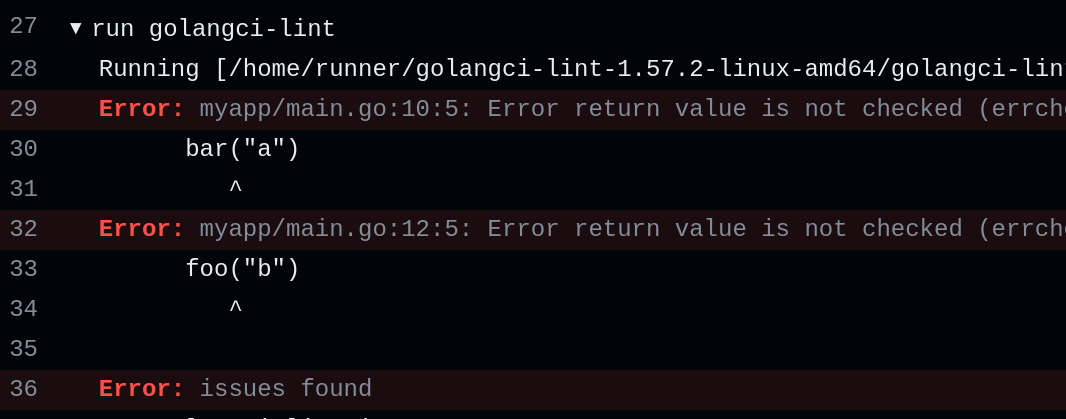
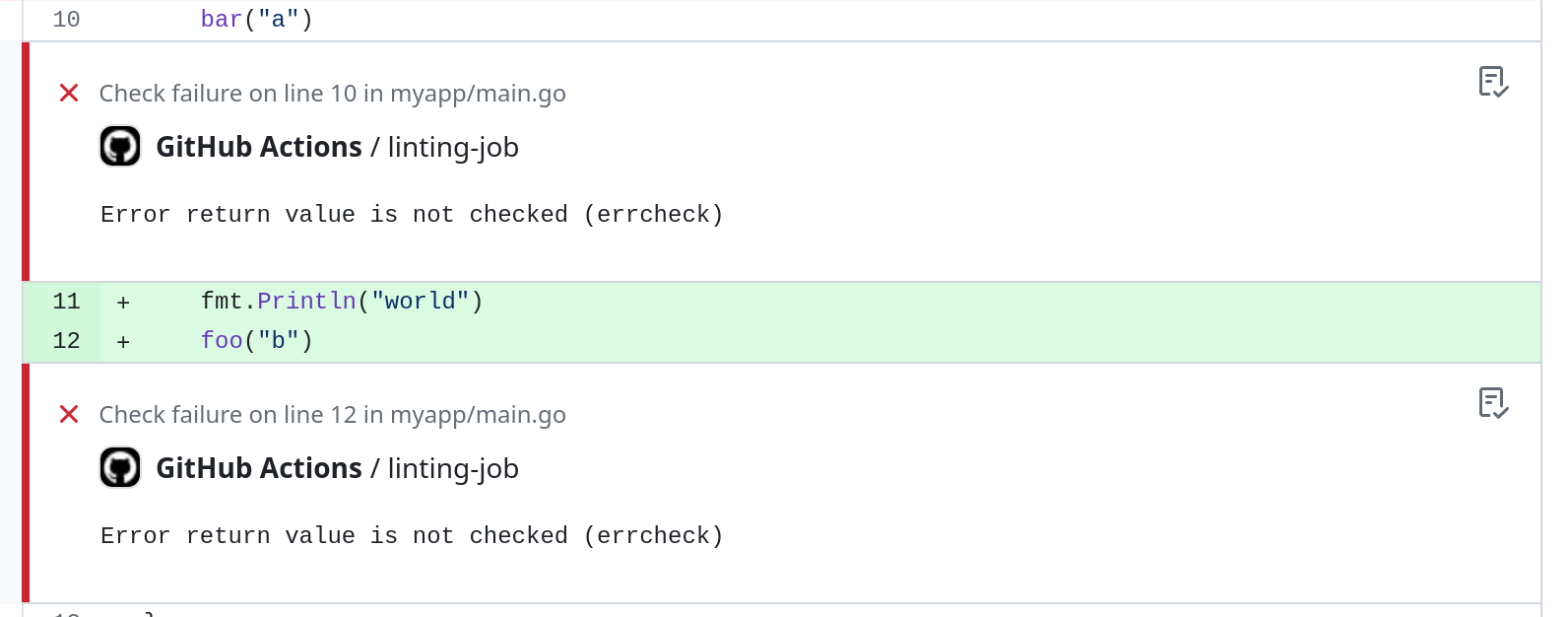
Also, the action creates GitHub annotations for found issues (you don’t need to dig into build log to see found by golangci-lint issues).
GitLab CI
GitLab provides a guide for integrating golangci-lint into the Code Quality widget. A simple quickstart is their CI component, which can be used like this:
include:
  - component: $CI_SERVER_FQDN/components/code-quality-oss/codequality-os-scanners-integration/golangci@1.0.1
Note that you can only reference components in the same GitLab instance as your project
Buildkite
Buildkite provides a plugin for running golangci-lint in Buildkite pipelines.
It utilizes the Docker image of golangci-lint by default, but can be set to use a binary if available on the agent.
The plugin will annotate builds with results, providing an easily readable summary of fixes.
plugins:
  - golangci-lint#v1.0.0:
      config: .golangci.yml
Other CI
Here are the other ways to install golangci-lint: